TL;DR
- Gmail vs Samsung Email isn’t a trivial preference fight in 2026; Google’s AI‑forward inbox now collides with a cohort that wants fast, reliable mail and clean notifications on Android, according to Android Police’s Jade Bryan Jardinico. [1]
- Google fused Gemini into Gmail’s core mobile UI in 2024–2025 via “Summarize this email,” side‑panel prompts, and ambient cards, and the opt‑out ties into broader Workspace settings that complicate per‑app control. [2][3][4]
- If even 2% of Samsung’s Q1 2026 buyers default to Samsung Email, that’s roughly 1.248 million users in one quarter—small in share, large in absolute loss of Gemini upsell surface area for Google. [6]
What the source said
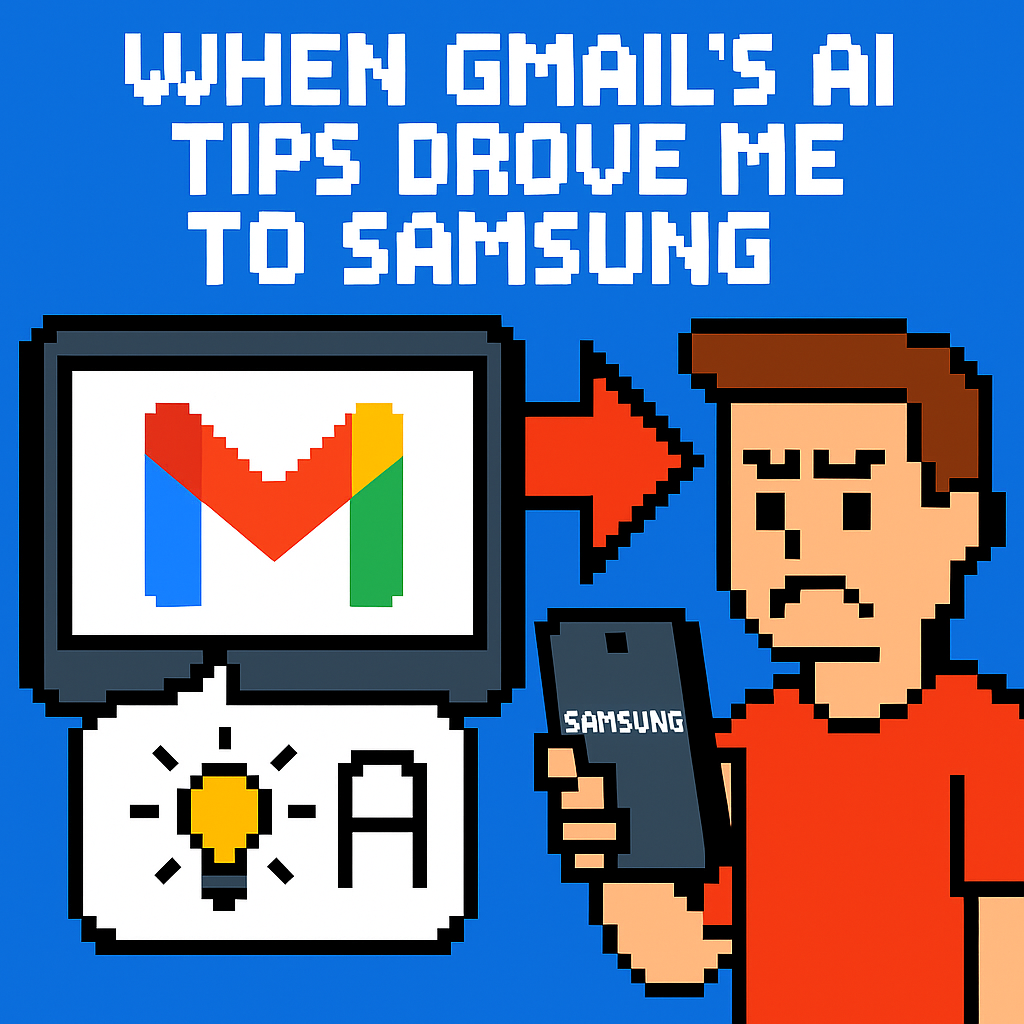
Jade Bryan Jardinico at Android Police describes switching from Gmail to Samsung Email after two pain points: Gmail’s AI prompts (“Summarize,” “Help me write”) and missed push notifications that broke daily triage. [1][8] Disabling Gemini wasn’t a simple Gmail‑only toggle; the controls linked into Google’s broader “smart features,” affecting other Workspace apps like Docs and Chat. [3] On a Galaxy phone, Samsung Email felt faster and more predictable, with concrete perks like a VIPs tab, a unified inbox with color labels, and Secure Folder isolation that keeps a second mailbox separate. [1][5] The author concedes Samsung Email lacks advanced filters, but prefers redundant alerts over silent failures and says going back to Gmail seems unlikely in 2026. [1]
Why it matters
Google treats Gmail as a funnel into Gemini, Google One AI Premium, and Workspace upgrades, and its June 2024 UI changes pushed AI into daily reading flows on Android and iOS. [2] When the mobile client feels heavier and less controllable, daily exposure to prompts drops, which weakens conversion paths for paid AI features. [2][4] The risk isn’t an immediate revenue cliff; it’s the loss of countless micro‑impressions that nudge sign‑ups across months.
Samsung ships a first‑party client that respects Android plumbing—Exchange ActiveSync, IMAP/POP, S/MIME, and Knox Secure Folder—which tilts some Galaxy owners toward Samsung’s stack. [5] Each user who defaults to Samsung Email instead of Gmail marginally reduces Google’s control point across an installed base measured in the hundreds of millions, amplified by Samsung’s 21.2% share in Q1 2026 shipments. [6]
Original analysis
2×2: Gmail vs Samsung Email
- Axes:
- Horizontal: AI‑forward UI vs AI‑optional UI
- Vertical: Ecosystem‑first (suite‑tied) vs Standards‑first (client‑first)
| Client | AI posture | Ecosystem tie | What that yields |
|---|---|---|---|
| Gmail (2024–2026) | AI‑forward: “Summarize,” “Help me write,” Q&A | Deeply tied to Workspace and Gemini | Cross‑app context, but heavier UI and shared toggles. [2][3][4] |
| Samsung Email | AI‑optional: classic triage | Standards‑first (IMAP/POP/EAS, S/MIME) + Knox | Speed, predictable notifications, Secure Folder isolation. [5] |
| Outlook (Android) | AI‑forward via Copilot | Microsoft 365 tie | Focused Inbox, but heavier suite pull; mixed Android integration. |
| Spark/Edison/etc. | Light AI add‑ons | Minimal suite tie | Fast triage, but less OS‑deep integration (policies, Knox). |
Consensus view: “AI summaries and generative replies make everyone more productive in email.”
Contrarian read: Power users who triage 50–200 messages per day often gain more from latency cuts, stable notifications, and predictable gestures than from on‑message AI, especially when AI chips occupy visual space on every thread. [2] Google shipped the summarize chip in June 2024 and then made AI more ambient on mobile, which introduced friction for users who rely on muscle memory. [2][4]
Historical analogue: Google over‑inserted Google+ identity into products like YouTube, faced user pushback, and later unwound the cross‑tie; utility apps punish overreach that isn’t cleanly optional.
Back‑of‑the‑envelope: scale of a “small” defection
- IDC reports Samsung shipped 62.4 million smartphones in Q1 2026, or 21.2% share. [6]
- If 2% of those quarterly buyers set up Samsung Email first or later switch from Gmail, that’s 1.248 million users in a quarter (62.4M × 0.02 = 1.248M).
- Even at 0.5%, the quarterly shift is ~312,000 users; rolling four quarters at similar volumes yields multi‑million annual additions to Samsung Email’s primary user base. [6]
- For Google, each defector equals one fewer daily Gemini prompt and one fewer potential AI upsell touchpoint inside Gmail’s mobile UI. [2][4]
Named‑stakeholder breakdown
- Google (Gmail/Workspace): Ship an app‑level “AI off” and a lean mode so users can keep Docs/Chat AI while muting Gmail AI; current help text implies global effects when disabling smart features. [3]
- Samsung (MX/Knox): Market Secure Folder and standards compliance (EAS/S/MIME) to consumers, not just B2B, and highlight “it just notifies me” reliability on Galaxy S‑series devices. [5]
- Microsoft (Outlook/365): Gains from Gmail churn if Focused Inbox and Copilot land well, but must harden Android notifications and account policy handling to satisfy 365 tenants.
- Independent clients (Spark, Edison, Thunderbird mobile): Win at the margin if they master push reliability and avoid banner‑heavy AI that clutters triage.
- Enterprise IT: If Gmail’s interop with Exchange/Office 365 hiccups or if app‑scope controls stay murky, admins will recommend clients like Samsung Email that integrate cleanly with native contacts/calendars. [5]
What others are missing
The governance problem is app scope: Gmail’s Gemini and “smart features” controls aren’t truly local to Gmail, and Google’s own help text warns that turning them off affects other Workspace apps. [3] That design breaks the locality‑of‑control principle for a utility tool people check 20–50 times per day. A user who wants AI in Docs for drafting but not in Gmail for triage shouldn’t face collateral effects across the suite. Because inboxes are interruption surfaces, centralized AI toggles create fatigue where it hurts most, pushing power users to clients like Samsung Email where no suite‑wide switch exists. [1][5]
What to watch next
- By Q4 2026, Google will ship an explicit, Gmail‑only toggle on Android and iOS that collapses or hides Gemini prompts by default; this will appear in Gmail release notes and not alter Docs/Chat AI settings.
- By H1 2027, Samsung will feature “Samsung Email + Secure Folder” in a consumer‑facing channel (e.g., Galaxy Unpacked keynote or a front‑page promo on samsung.com) and add at least one VIP/priority control to reduce notification overload. [5]
- By January 2027, as Gmail retires POP/Gmailify/“Send as” pathways, alternative Android mail apps will break into the top‑10 Communication category in the U.S. Play Store for ≥4 weeks, indicating migration of multi‑provider users. [7]
My take
I’d keep Gmail’s AI—but only on my terms. An inbox is a queue you clear, not a canvas for ambient experiments. When banners, cards, and pulsing chips compete for attention, I switch to the tool that respects muscle memory—on a Galaxy phone in 2026, that’s Samsung Email. Google can fix this with a true Minimal Gmail mode, strictly on‑demand Gemini, and per‑app controls; without that, users will form habits that are hard to reverse. [2][3][4][5]
Sources
-
I planned to use Gmail forever, until one email app quietly replaced it for good — Android Police (https://www.androidpolice.com/i-planned-to-use-gmail-forever-until-one-email-app-replaced-it/) — First‑person account of switching to Samsung Email due to AI clutter and notification failures.
-
Gemini in the side panel of Gmail is rolling out now — Google Workspace Updates (https://workspaceupdates.googleblog.com/2024/06/gemini-in-side-panel-of-gmail.html) — Confirms the June 2024 rollout of Gemini prompts like “Summarize this email” on mobile.
-
Catch up on email threads with AI Overview conversation summaries — Google Help (https://support.google.com/mail/answer/16561387) — Documents Gmail’s AI summaries and notes that disabling smart features impacts other Workspace apps.
-
New Gemini summary cards now available in the Gmail app on Android and iOS devices — Google Workspace Updates (https://workspaceupdates.googleblog.com/2025/05/gemini-summary-cards-gmail-app.html) — Describes more ambient AI in mobile Gmail via summary cards in 2025.
-
Use the Secure Folder on your Galaxy phone or tablet — Samsung Support (https://www.samsung.com/us/support/answer/ANS10001401/) — Explains Knox Secure Folder and how Samsung Email can run an isolated inbox.
-
IDC Smartphone Market Share, Q1 2026 — IDC (https://www.idc.com/promo/smartphone-market-share/) — Provides shipment totals and shares (Samsung at 62.4M units; 21.2% share in Q1 2026) for scale math.
-
Gmail Is Killing POP and Gmailify Access. Here’s What It Means for You — WIRED (https://www.wired.com/story/gmail-killing-pop-and-gmailify-access-what-it-means-for-you/) — Details Gmail’s deprecation of POP/Gmailify/“Send as,” signaling tighter control over power‑user workflows.
-
Gmail app suddenly stopped sending me notifications — Gmail Community (https://support.google.com/mail/thread/322379715/gmail-app-suddenly-stopped-sending-me-notifications) — Shows user reports of Android notification failures that undermine Gmail trust.
Related update: We recently published an article that expands on this topic: read the latest post.
Related update: We recently published an article that expands on this topic: read the latest post.