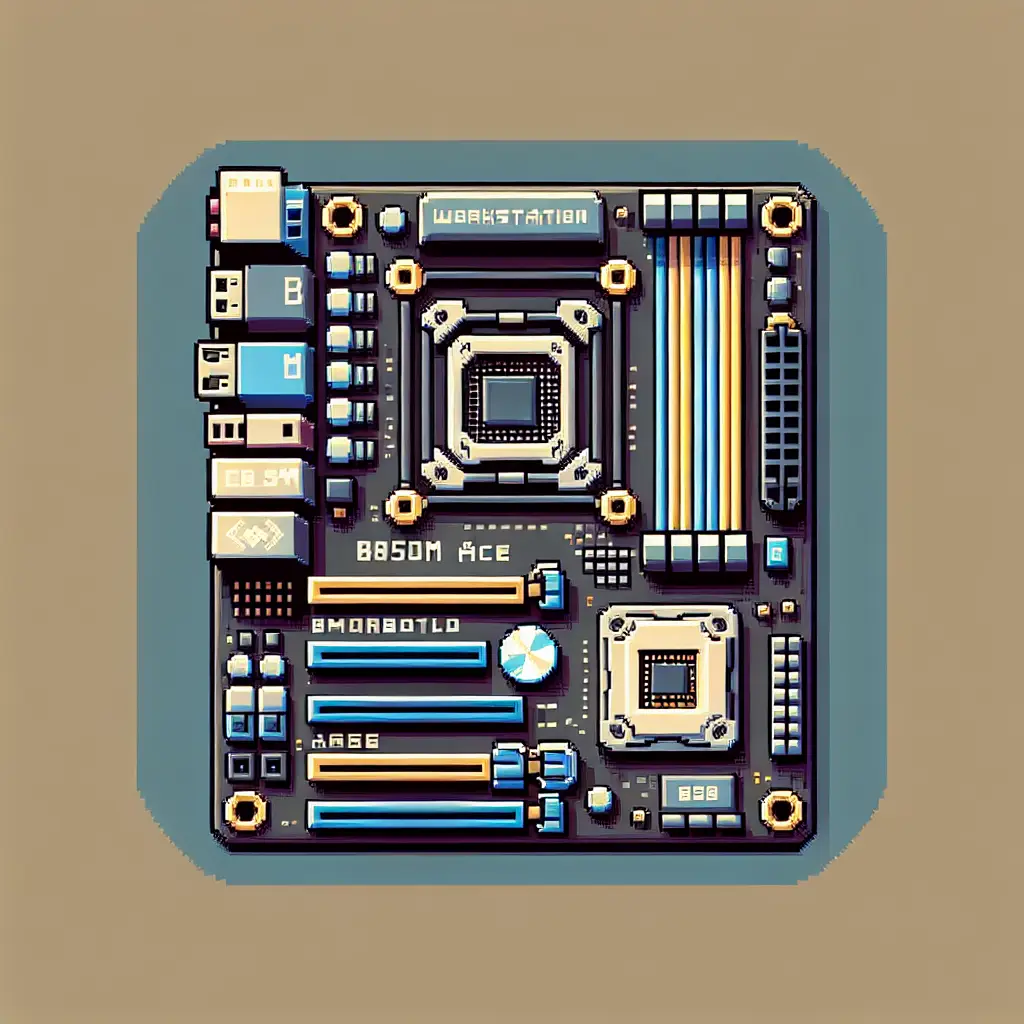
Small board, big ambitions: ASUS Pro WS B850M-ACE SE brings workstation features to microATX AM5 builds
The first time you see the Pro WS B850M-ACE SE you do a double-take — the AM5 socket and the DIMM banks are rotated 90°, giving this microATX board an unconventional layout. That visual oddity is a clue: ASUS didn’t just squeeze desktop features into a smaller footprint. They rethought layout and connectivity to make a compact, IT-friendly workstation that pulls a surprising amount of pro-level hardware into a 244 × 244 mm package.
Below I unpack what makes this board interesting, who it’s for, and why that rotated socket matters beyond aesthetics.
Why this release matters now
- AMD’s AM5 platform continues to expand from mainstream desktop into workstation and server-adjacent use. The B850 chipset fills a sweet spot for builders who want modern AM5 features without an E-ATX footprint.
- ASUS targeted this board at compact workstations and small business servers by adding features you usually see on larger or server boards: onboard BMC with IPMI, a U.2 connector, dual high-speed Ethernet (10 Gb + 2.5 Gb), and PCIe 5.0 support.
- With increasing demand for AI/ML inference at the edge and compact creator rigs, dense connectivity (fast NVMe, multi-Gb networking, remote management) matters as much as raw CPU core count.
Eye-catching specs at a glance
- Form factor: microATX (244 × 244 mm).
- Socket/chipset: AM5 with AMD B850 chipset — supports Ryzen 7000/8000/9000 and EPYC 4005 series.
- Memory: 4 × DDR5 DIMM slots, up to 256 GB, EXPO support (OC up to high speeds).
- Expansion/storage: PCIe 5.0 x16 primary slot, two M.2 slots (one PCIe 5.0 x4), MCIO support and an onboard U.2 connector.
- Networking: onboard 10 Gb Ethernet + 2.5 Gb Ethernet, plus a dedicated 1 Gb IPMI/BMC port.
- Management: onboard BMC (AST2600) with IPMI and ASUS Control Center Express for remote monitoring.
- Extras: front USB-C 20 Gbps header, robust 8+2+1 power stages, 24/7 reliability testing.
(Full tech details on the ASUS product page linked below.)
The rotated socket: what it does and why ASUS might have chosen it
- Space optimization: Rotating the CPU socket (and thus orienting the memory slots along a different axis) rearranges the board’s internal real estate. That allows ASUS to add server-grade features — BMC circuitry, a U.2 connector, MCIO, additional LAN ports — without pushing the layout beyond a microATX size.
- Cooler compatibility trade-offs: Most aftermarket coolers assume the CPU orientation found on ATX boards. While standard AIOs and many air coolers will still fit, tight builds or unusual bracket designs could encounter clearance issues. Builders should check cooler compatibility against the board’s layout.
- Cable routing and case fit: The rotated layout changes cable and fan header positions relative to case panels. For compact workstations and bespoke small-form-factor enclosures, that can be an advantage (shorter NVMe/MCIO traces, better airflow zoning) — just confirm the case supports the positioning.
- Serviceability and pro usage: For IT/enterprise customers, being able to cram more I/O and remote management into a smaller board is a net win; the rotated layout is a practical compromise to prioritize features over standard orientation.
Who should consider the Pro WS B850M-ACE SE
- Small business or home lab admins who need remote management (IPMI) but prefer a compact chassis. The onboard BMC and dedicated management NIC let you monitor and administer systems headlessly.
- Creators and AI/ML hobbyists who want high-bandwidth storage (PCIe 5.0 M.2, MCIO, U.2) and multi-gig networking in a small desktop/workstation build.
- Builders constrained by space who still want PCIe 5.0 graphics or accelerators plus enterprise-grade connectivity.
- Not ideal for people who want plug-and-play compatibility with every consumer cooler or who insist on standard ATX layout expectations without checking clearances first.
Trade-offs and things to check before buying
- Cooler fit: verify your CPU cooler (air or AIO bracket) supports the rotated socket or has enough clearance.
- Case compatibility: microATX cases vary; double-check standoff alignment, IO shield area, and whether front-panel USB-C routing lines up.
- U.2 vs modern NVMe priorities: U.2 remains useful for certain enterprise SSDs and hot-swap setups, but many consumer builds will rely primarily on M.2 drives. If you need U.2 specifically, this board is unusually accommodating for its size.
- Remote management complexity: IPMI/BMC is powerful for IT, but it introduces additional configuration and potential security considerations; treat the BMC interface like any network-facing admin service.
How this fits into the broader AM5 & workstation landscape
ASUS is signaling that AM5 isn’t just for full-size enthusiast motherboards. By putting server-grade features into microATX format, they’re acknowledging a market trend: people want workstation capabilities in smaller form factors for edge inference, compact studios, and dense deployments. Expect more OEMs and board makers to explore similar compromises — squeezing IPMI, multi-gig networking, and industrial storage interfaces into smaller boards — especially as AI workloads demand fast local storage and network throughput.
My take
This is one of those “clever engineering” products: it doesn’t radically change performance specs for consumers, but it democratizes workstation features into a compact footprint that actually makes sense for modern workflows. The rotated socket is a pragmatic design choice rather than a gimmick — it unlocks space for the features that matter to IT and pro users. If you’re building a small workstation with remote management or need industrial storage support in a microATX box, this board is worth a close look. If you’re purely a gaming consumer who swaps coolers and cards frequently, the unusual layout means extra homework before purchase.
Practical buying notes
- Expect pricing to be above typical consumer microATX boards because of the embedded BMC, 10 GbE, and industrial connectors. Retail listings show it in the workstation price band.
- Verify BIOS compatibility with your chosen Ryzen or EPYC 4005 CPU (ASUS lists supported families; check the support page for CPU compatibility).
- For IT deployments, plan for BMC security (firmware updates, network segmentation, credential management).
Final thoughts
ASUS’s Pro WS B850M-ACE SE is a tidy example of product differentiation: same AM5 ecosystem, but a different set of priorities. It’s a microATX motherboard built for professionals who need remote management, industrial storage options and high-speed networking without the bulk of a larger board. The rotated socket is simply the engineering price paid to make all that fit — a smart trade for the intended audience, and a sign that motherboards will keep evolving in form as well as function.
Sources
-
Pro WS B850M-ACE SE product page — ASUS USA
https://www.asus.com/us/motherboards-components/motherboards/workstation/pro-ws-b850m-ace-se/ -
Pro WS B850M-ACE SE tech specs — ASUS Global
https://www.asus.com/motherboards-components/motherboards/workstation/pro-ws-b850m-ace-se/techspec/ -
Coverage noting the rotated socket and professional orientation — Overclocking.com
https://overclocking.com/asus-presente-sa-carte-mere-pro-ws-b850m-ace-se/ -
Retail and distributor listings with specs and pricing context (B&H Photo example)
https://www.bhphotovideo.com/c/product/1927258-REG/asus_pro_ws_b850m_ace_se.html
Related update: We recently published an article that expands on this topic: read the latest post.
Related update: We recently published an article that expands on this topic: read the latest post.