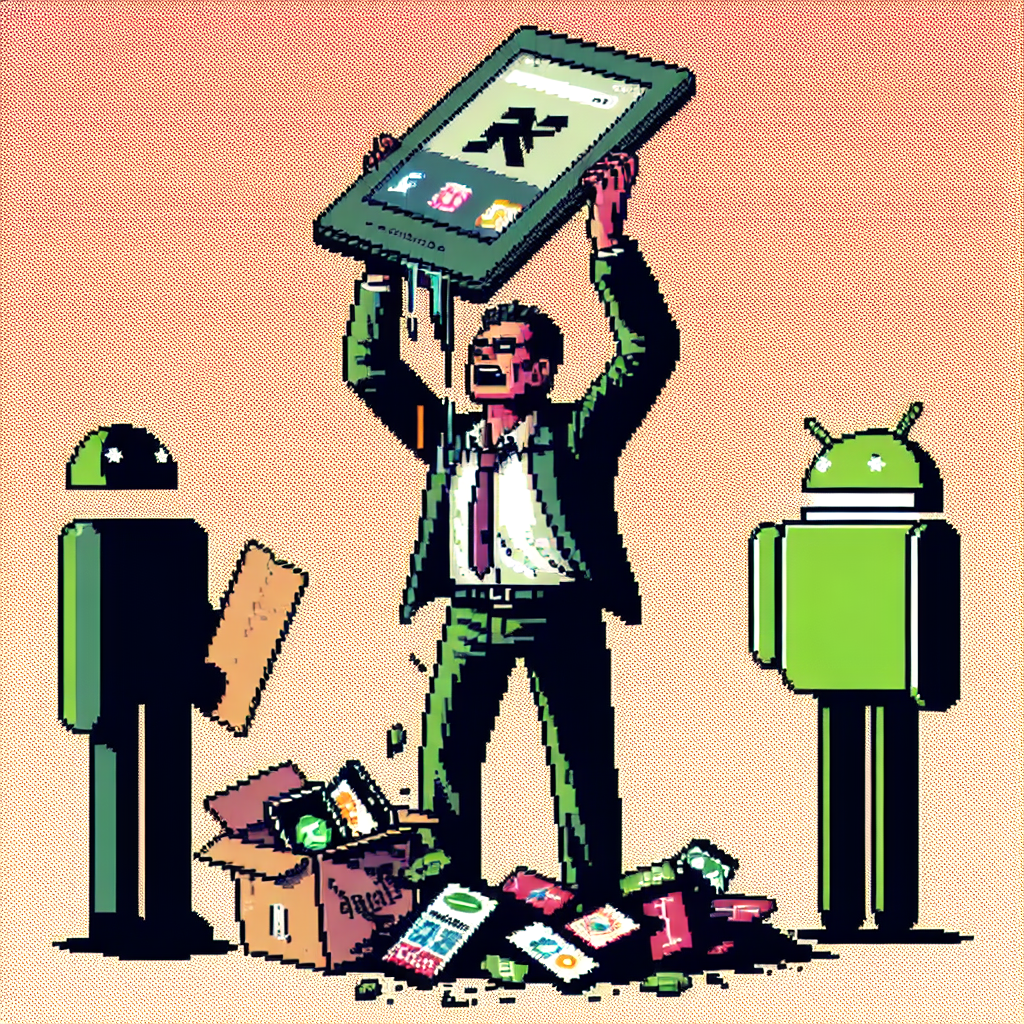
I'm never buying another Kindle, and neither should you
I used to think a Kindle was the easiest way to carry a library in my pocket — until my device stopped being built for readers. "I'm never buying another Kindle, and neither should you" isn't just clickbait; it's the honest reaction of someone who’s watched a device I trusted become more about corporate control than quiet, private reading. Recent firmware changes, DRM tweaks, forced updates, and reports of devices becoming effectively useless have made me rethink the whole premise of buying into Amazon’s e-reader ecosystem. (androidauthority.com)
What changed: from thoughtful gadget to locked-down appliance
Kindles pioneered e-ink reading, long battery life, and a genuinely book-like experience. Over the last few years, though, Amazon has tightened the screws: new firmware has introduced stronger DRM, removed features some users relied on, and in certain cases left devices struggling after updates. The result feels less like thoughtful product stewardship and more like product control. (pocket-lint.com)
Forced updates and buggy firmware have bricked or destabilized multiple devices, according to user reports. When a device that once simply displayed text can suddenly fail because of an overzealous update, you stop seeing it as a durable tool and start seeing it as a service tethered to a corporation’s whims. (wired.com)
Why control matters for readers
Reading is a private, low-friction activity. We choose e-readers to remove distractions, extend battery life, and preserve a single-minded focus on the text. That expectation breaks down when:
- The manufacturer can silently push updates that change functionality.
- DRM prevents you from backing up the books you paid for.
- Amazon can remove or alter access to features or formats without meaningful recourse. (pocket-lint.com)
When your books are tied to an ecosystem that can alter device behavior remotely, ownership becomes ambiguous. You may own the hardware, but you don't fully own the reading experience.
Alternatives that respect readers
Not every e-reader treats you like a license holder. Devices and ecosystems like Kobo and Android-based readers (Boox, etc.) prioritize open file formats, library integration, and — in many cases — local management of files. That means you can borrow from libraries, load ebooks directly, and keep local backups without jumping through Amazon-sized hoops. For people who value interoperability and control, these options are more appealing. (laptopmag.com)
Transitioning away from Kindle may involve a learning curve — Calibre and EPUB support are foreign to some Kindle-only users — but the trade-off is a system where your purchases and local files feel genuinely yours.
The DRM problem: more than inconvenience
Amazon’s recent firmware updates introduced stronger DRM layers that make backing up content harder and complicate transferring books between devices. That’s not just inconvenient; it’s a long-term risk. If support for older devices ends (as Amazon recently announced for devices from 2012 and earlier), users can lose features or compatibility overnight, increasing e-waste and effectively forcing upgrades. (pocket-lint.com)
If you value longevity and the ability to archive purchases locally, heavy-handed DRM is a red flag. It means your “library” may vanish into formats and servers you can’t control.
The human cost: frustration, lost time, and distrust
This isn’t abstract. Real readers report waking up to bricked devices, losing access to sideloaded books, or spending hours on support calls that don’t resolve the core problem. That friction chips away at trust. Once the relationship between buyer and device shifts toward paternalistic control, the emotional value of the product drops. People don’t just want features — they want reliability and respect for ownership. (reddit.com)
What Amazon could do (but hasn’t)
There are straightforward, reader-first moves Amazon could make:
- Stop forced updates that can brick devices or remove core features without clear opt-in.
- Provide a robust offline-side-load and backup path for purchased content.
- Limit DRM to the minimum necessary and make archival/export tools available.
- Offer clear, dated support timelines so buyers can make informed choices.
Until Amazon anchors its strategy around reader rights and device longevity, skepticism is rational.
Alternatives and practical next steps
If you’re fed up and thinking of switching, here’s a quick roadmap:
- Try a Kobo if you want straightforward EPUB support and library integration.
- Consider Android-based e-ink devices (Boox, Onyx) if you want apps and flexibility.
- Use Calibre to manage local libraries and maintain backups of any DRM-free files.
- When buying, prefer sellers that clearly state region and support policies to avoid warranty headaches. (laptopmag.com)
These options aren’t perfect, but they foreground user control over corporate convenience.
My take
I still love the idea of a dedicated e-reader: the tactile simplicity, the long battery life, the focus. But a device that can be subtly reshaped by the company behind it — sometimes to the detriment of the user — no longer earns my loyalty. For me, “I’m never buying another Kindle, and neither should you” captures a larger point: buy tools that respect your ownership, not products that treat you as a subscription to be managed.
Closing thoughts
We buy gadgets to make our lives richer, not to become pawns in product strategies. Reading should be low-friction, private, and durable. When a platform that once delivered that experience starts prioritizing control over readers, it’s time to look away and support alternatives that preserve the simple joy of turning a page.
Sources
-
I'm never buying another Kindle, and neither should you – Android Authority
https://www.androidauthority.com/amazon-kindle-2026-3657863/ -
Amazon Pulls Support for Perfectly Fine Older Kindles – Wired
https://www.wired.com/story/amazon-pulls-support-for-perfectly-fine-older-kindles/ -
Amazon is making it much harder to remove DRM from Kindle books – Pocket-lint
https://www.pocket-lint.com/amazon-making-kindle-drm-removal-harder/ -
This new Kindle jailbreak uses Amazon's own ads against it – Android Authority
https://www.androidauthority.com/jailbreak-kindle-adbreak-3609136/ -
I switched from a Kindle ereader to Kobo for a week – LaptopMag
https://www.laptopmag.com/news/amazon-kindle-vs-kobo-clara-bw
Related update: We recently published an article that expands on this topic: read the latest post.
Related update: We recently published an article that expands on this topic: read the latest post.
