Hook: Double your Switch 2 storage without breaking the bank
If you picked up a Nintendo Switch 2 and already feel the squeeze of downloads and day-one patches, there’s a refreshingly affordable fix: Samsung’s new P9 microSD Express cards are on sale, and the discounts make them an excellent way to more than double your console’s storage for a very reasonable price. This feels like the kind of upgrade every Switch 2 owner will appreciate — fast, future-ready, and finally affordable.
Why this matters right now
- The Switch 2 ships with a finite amount of internal storage, and big third‑party titles or lots of downloadable content can fill it quickly.
- Nintendo embraced the newer microSD Express standard for the Switch 2 to allow much faster external storage performance than the original Switch’s UHS‑I microSD cards.
- Samsung’s P9 cards are built specifically for microSD Express devices (with sequential read speeds up to 800 MB/s), so they’re designed to give the Switch 2 snappy load times and quicker installs compared with older cards. (semiconductor.samsung.com)
The deal (what The Verge reported)
- Samsung’s P9 microSD Express 256GB model has been discounted — the price starts at roughly $39.99 after a $15 reduction, making it a very affordable way to double some Switch 2 configurations’ available space. The 512GB model was also discounted (about $79.99 after a $40 reduction), which is close to its best price on record. These sale prices were highlighted in coverage of holiday/Cyber Monday promotions. (theverge.com)
How the P9 compares to older microSD options
- Speed: The P9’s PCIe-based microSD Express performance (reported up to 800 MB/s sequential reads) is several times faster than typical UHS‑I cards used with the original Switch. That helps with game installs, patch downloads and asset streaming. (tech.yahoo.com)
- Compatibility: Samsung notes the P9 is compatible with Switch 2 and also backward compatible with devices using UHS‑I slots — though on older devices speeds will be limited by the host. (semiconductor.samsung.com)
- Durability and warranty: Samsung advertises 6-proof protection (water, temperature, X-ray, magnet, drop, wear) and a limited warranty for the P9 line, which is reassuring for users who carry cards between devices or travel with their handheld. (samsung.com)
Who should buy one (and who might wait)
- Great fit:
- Switch 2 owners who primarily buy digital games and want to avoid juggling installs.
- Gamers who want faster load times and a future‑proof card that won’t bottleneck the console.
- Anyone who likes having a dedicated card for console libraries and backups.
- Maybe wait:
- Users who rarely buy digital games and prefer physical cartridges.
- People who already own a very large (1TB+) microSD Express card or who don’t need the additional speed.
- Buyers who can wait for deeper discounts (sales often return around major shopping events).
Price perspective
- A cheap 256GB P9 at around $40 is compelling because it effectively doubles storage for many Switch 2 configurations at a modest cost.
- The 512GB SKU at roughly $80 gives you more breathing room for an entire digital library and sits near the card’s historic low — if you want to avoid swapping cards frequently, the 512GB is worth the extra outlay. Pricing can fluctuate across retailers, so it’s worth checking multiple stores if you’re hunting for the lowest price. (theverge.com)
Practical tips for buyers
- Confirm your console: The Switch 2 specifically supports microSD Express — older Switch microSD cards won’t get that full performance boost on the new hardware.
- Think capacity by game habits: Many Nintendo-published games remain modest in size, but some third‑party AAA titles can be large; if you buy lots of big third‑party games, lean toward larger capacities.
- Check return policies and warranties: Buy from reputable retailers and keep receipts in case you need warranty service; Samsung lists a limited warranty and 6-proof durability for the P9. (news.samsung.com)
My take
This sale rounds the P9 into a genuinely practical upgrade for most Switch 2 owners. The microSD Express standard unlocks the console’s faster external storage potential, and Samsung’s price cuts make the performance accessible rather than premium-only. If you’re filling up the console or prefer to keep a large library on hand, the 256GB at about $40 is a low-friction, high-value buy — and the 512GB at roughly $80 is the sweet spot if you want to avoid juggling cards. Either way, these discounts turn an obvious accessory into a must-have.
Sources
Related update: We recently published an article that expands on this topic: read the latest post.
Related update: We recently published an article that expands on this topic: read the latest post.
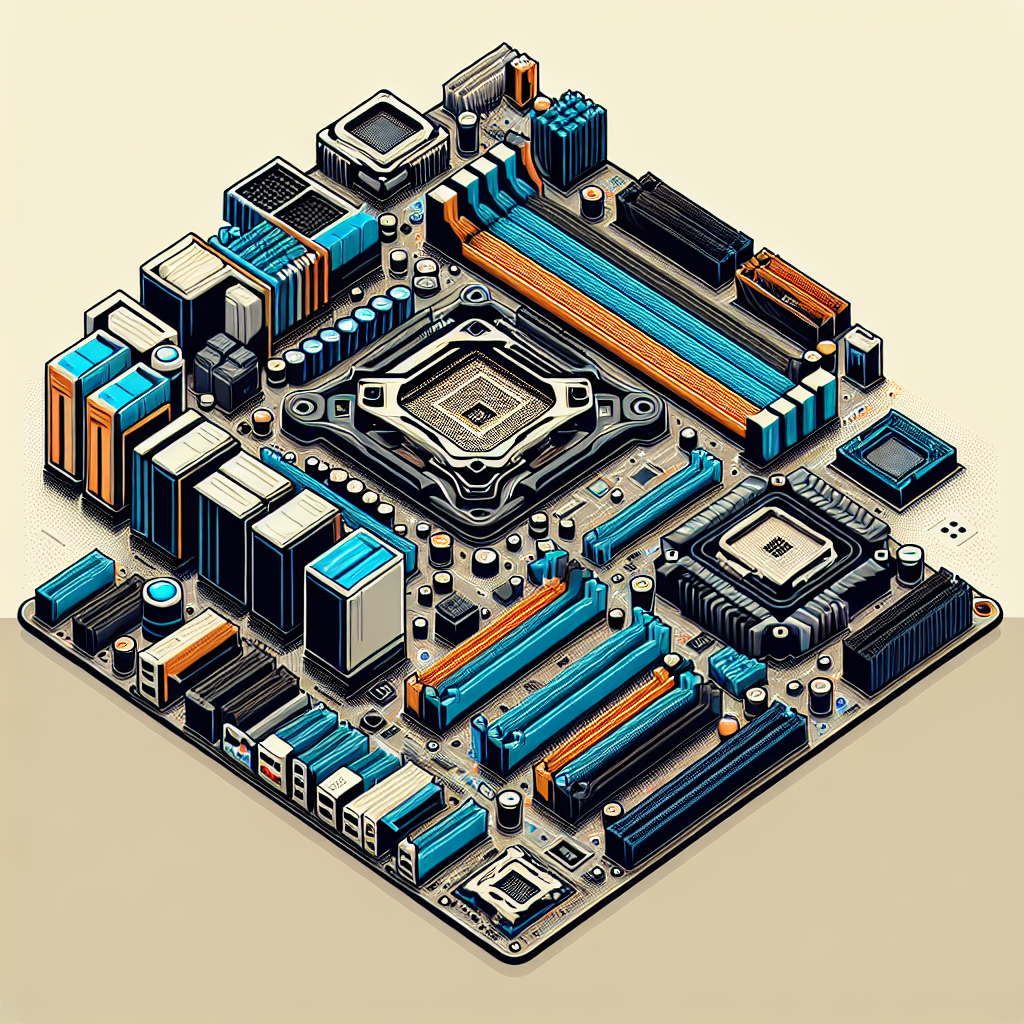
A smarter AM5 playground: ASUS’s refreshed ROG, TUF, and ProArt motherboards
Hook: If you’ve built a PC in the last five years you know the motherboard is the multiverse where decisions collide — socket, lanes, cooling, and style. ASUS just redesigned that multiverse for AMD’s AM5 platform, and the result isn’t just more choices: it’s more sensible choices. Whether you want an extreme showcase board for a Ryzen 9000 enthusiast, a no-nonsense gaming rig, or a creator-focused workstation, ASUS’ new AM5 line aims to give each user the tools they actually need — without burying them under features they don’t.
Why this matters right now
- AMD’s AM5 socket (Ryzen 7000/8000/9000 families) has become the backbone for high-performance desktops and workstations. As CPUs push more cores and faster DDR5 memory, the motherboard’s role shifts from “box with slots” to “traffic director” for power, PCIe lanes, and thermal headroom.
- ASUS updated its AM5 family across ROG, ROG Strix, TUF Gaming, Prime, and ProArt lines to better match modern workflows: multi-M.2 storage, WiFi 7 on many boards, improved DDR5 reliability, and cleaner, user-friendly features for builders.
- The change isn’t just about top-tier bragging rights. ASUS brought some refinements down to B850/B840 class boards so mainstream builders benefit from things like tool-free M.2 installation, higher-resolution BIOS UI, and expanded USB options.
What’s new across the lineup
- Enhanced PCIe lane layouts and smarter bandwidth allocation.
- Some boards now allow two PCIe 5.0 M.2s plus multiple PCIe 4.0 M.2s while keeping the primary x16 slot at full bandwidth for GPUs — important for gamers who also want heavy local storage.
- Certain ProArt and Crosshair models support x8/x8 for dual GPU or heavy I/O use.
- Broader DDR5 compatibility and overclocking improvements.
- PCB and manufacturing changes (e.g., low-etch processes, back-drilling, and NitroPath DRAM tweaks) increase stability for high-speed DDR5 kits and push memory OCs further on more boards — not just the flagships.
- More refined DIY and usability features.
- Tool-free M.2 Q-Release, Q-Code/Q-Dashboard improvements, easier graphics card removal mechanisms, and a 1920×1080 BIOS GUI make builds faster and less fiddly.
- Modern connectivity moves.
- WiFi 7 appears on many B850-class boards, along with USB 20 Gbps front-panel headers, USB4/Thunderbolt-capable ports on select models, and more onboard 10 GbE/5 GbE options on ProArt/creator boards.
- Practical cooling and layout upgrades.
- New vapor-chamber-style 3D VC M.2 heatsinks and beefed-up VRM cooling on high-end Crosshair and Glacial boards to sustain heavy loads for gaming, streaming, and AI workloads.
Who each family is for
- ROG Crosshair X870E Glacial / Dark Hero
- For the enthusiast who wants absolute headroom: extreme VRM, multi-M.2 support, premium memory tuning, and flagship aesthetic. These boards are built to be pushed and showcased.
- ROG Strix B850 / X870E Neo series
- For mainstream gamers who want great performance without flagship price tags. They balance lots of USB ports, tool-free install features, and style options (black or white aesthetics).
- TUF Gaming X870 / B850 series
- Durability and value with practical overclocking features (now including asynchronous clock options on select models). Good for long-lived builds and those who want stability-first hardware.
- ProArt B850-Creator WiFi Neo
- Designed for creators and multi-GPU setups on a budget. Dual PCIe 5.0 x16 slots (x8/x8), professional I/O (dual 5GbE, USB 10Gbps Type-C with DP Alt Mode), and understated styling.
- B840 family
- Aimed at efficient, budget-conscious builds — especially good if you don’t plan to overclock or need PCIe 5.0 GPU/M.2 support, and want a cost-effective AM5 platform.
Build-level takeaways
- If you plan heavy local SSD use (many M.2s) and a high-end GPU, check the board’s lane-sharing notes carefully. ASUS’ newer lane layouts aim to preserve GPU x16 on several boards while offering multiple PCIe 5.0 M.2 slots — but exact behavior depends on the model.
- Memory overclocking potential is improving beyond flagship boards thanks to PCB and manufacturing tweaks; you don’t necessarily need the priciest Crosshair to get better DDR5 behavior.
- WiFi 7 and USB4 presence on B850 boards mean next-gen connectivity is trickling down. If future-proofing networking and front-panel bandwidth matters, these midrange boards are compelling.
- Creative pros who want multi-GPU on a budget should look at ProArt’s B850-Creator Neo for x8/x8 GPU support plus robust networking.
Design and build experience: small but meaningful refinements
ASUS invested in what I’d call “boring but delightful” upgrades — things that don’t headline reviews but smooth the building process: clearer BIOS resolution and navigation, real tool-free M.2 install mechanisms, easier graphics-card release systems, and more accessible troubleshooting LEDs or Q-Dashboards. Those are the touches that matter when you’re two hours into a cable tangle and want to finish the build without a meltdown.
My take
ASUS’ refreshed AM5 lineup reads like a maturity update rather than a reimagining. The company is listening: instead of adding ever-more esoteric features only ultra-enthusiasts use, ASUS redistributed practical capabilities across more price points. That means mainstream buyers get genuine improvements — faster memory support, better storage options, and cleaner build workflows — while enthusiasts still have truly overbuilt flagships to chase records with.
If you’re building now and torn between “wait for the next gen” and “pull the trigger,” these Neo/B850 updates make now a reasonable time to build an AM5 machine that will feel modern for years: better memory headroom, improved PCIe flexibility, and contemporary connectivity. The main caveat is to confirm exact lane-sharing and I/O behavior for the specific model you plan to buy — spec sheets still hide the small but critical bandwidth trade-offs.
Choices to consider before buying
- Do you need PCIe 5.0 M.2 slots or will PCIe 4.0 suffice? Multiple 5.0 drives plus a GPU can create sharing limitations on some boards.
- Memory: if you plan high-frequency DDR5, prioritize boards with NitroPath DRAM and the robust PCB treatments ASUS lists for better stability.
- Connectivity: want WiFi 7 or USB4 at the front panel? Those features are now present beyond flagship boards — check the model spec.
- Future upgrades: think about whether x8/x8 GPU support, dual 10GbE, or many M.2s matter down the road — pick a board that aligns with your upgrade path.
Final thoughts
ASUS’ incremental but thoughtful AM5 refresh is a reminder that platform evolution is often about better trade-offs, not just more bling. Builders win when features are sensibly distributed across product lines — and that’s exactly what this lineup aims for. Whether you’re sketching a white-themed showcase, assembling a quiet content-creation workstation, or building a budget Ryzen system, there’s now more chance you’ll find an AM5 board that fits the job rather than forcing compromises.
Sources
Related update: We recently published an article that expands on this topic: read the latest post.
Related update: We recently published an article that expands on this topic: read the latest post.
Related update: We recently published an article that expands on this topic: read the latest post.
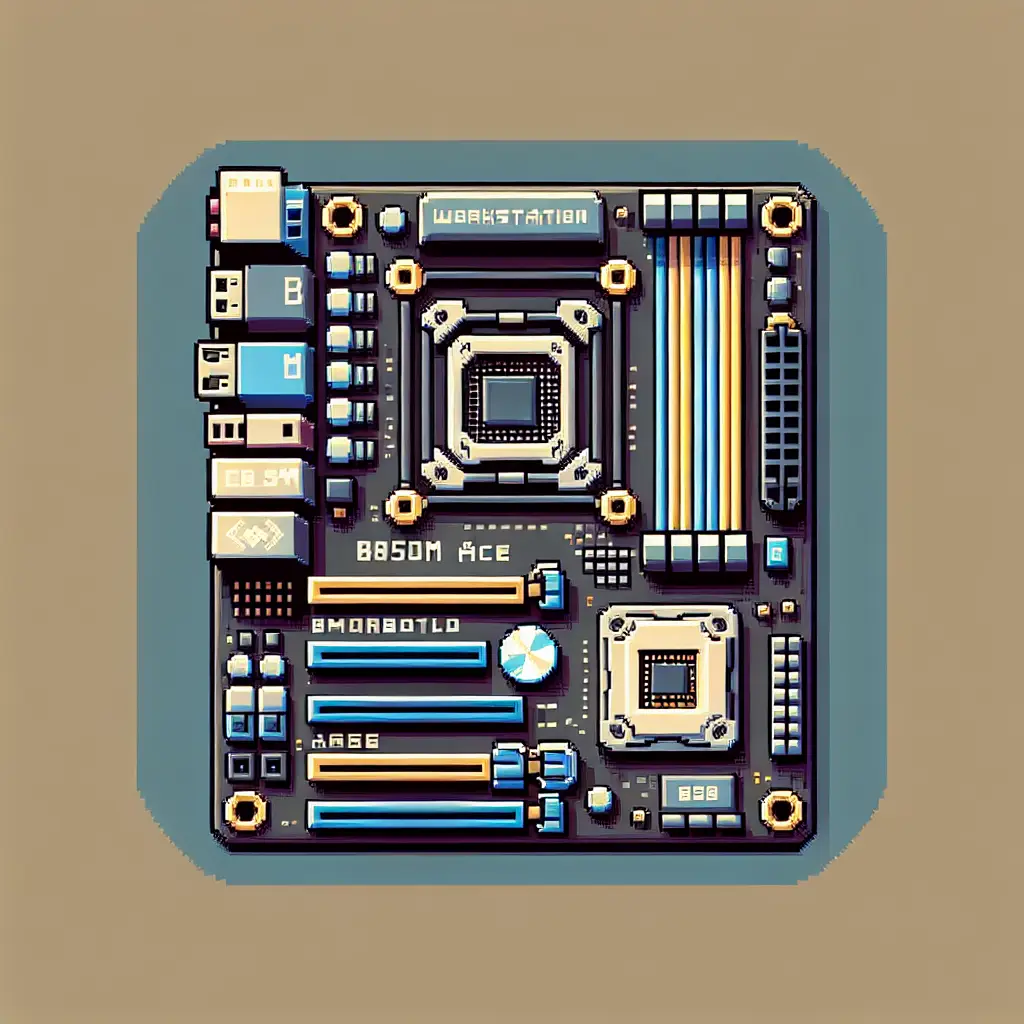
Small board, big ambitions: ASUS Pro WS B850M-ACE SE brings workstation features to microATX AM5 builds
The first time you see the Pro WS B850M-ACE SE you do a double-take — the AM5 socket and the DIMM banks are rotated 90°, giving this microATX board an unconventional layout. That visual oddity is a clue: ASUS didn’t just squeeze desktop features into a smaller footprint. They rethought layout and connectivity to make a compact, IT-friendly workstation that pulls a surprising amount of pro-level hardware into a 244 × 244 mm package.
Below I unpack what makes this board interesting, who it’s for, and why that rotated socket matters beyond aesthetics.
Why this release matters now
- AMD’s AM5 platform continues to expand from mainstream desktop into workstation and server-adjacent use. The B850 chipset fills a sweet spot for builders who want modern AM5 features without an E-ATX footprint.
- ASUS targeted this board at compact workstations and small business servers by adding features you usually see on larger or server boards: onboard BMC with IPMI, a U.2 connector, dual high-speed Ethernet (10 Gb + 2.5 Gb), and PCIe 5.0 support.
- With increasing demand for AI/ML inference at the edge and compact creator rigs, dense connectivity (fast NVMe, multi-Gb networking, remote management) matters as much as raw CPU core count.
Eye-catching specs at a glance
- Form factor: microATX (244 × 244 mm).
- Socket/chipset: AM5 with AMD B850 chipset — supports Ryzen 7000/8000/9000 and EPYC 4005 series.
- Memory: 4 × DDR5 DIMM slots, up to 256 GB, EXPO support (OC up to high speeds).
- Expansion/storage: PCIe 5.0 x16 primary slot, two M.2 slots (one PCIe 5.0 x4), MCIO support and an onboard U.2 connector.
- Networking: onboard 10 Gb Ethernet + 2.5 Gb Ethernet, plus a dedicated 1 Gb IPMI/BMC port.
- Management: onboard BMC (AST2600) with IPMI and ASUS Control Center Express for remote monitoring.
- Extras: front USB-C 20 Gbps header, robust 8+2+1 power stages, 24/7 reliability testing.
(Full tech details on the ASUS product page linked below.)
The rotated socket: what it does and why ASUS might have chosen it
- Space optimization: Rotating the CPU socket (and thus orienting the memory slots along a different axis) rearranges the board’s internal real estate. That allows ASUS to add server-grade features — BMC circuitry, a U.2 connector, MCIO, additional LAN ports — without pushing the layout beyond a microATX size.
- Cooler compatibility trade-offs: Most aftermarket coolers assume the CPU orientation found on ATX boards. While standard AIOs and many air coolers will still fit, tight builds or unusual bracket designs could encounter clearance issues. Builders should check cooler compatibility against the board’s layout.
- Cable routing and case fit: The rotated layout changes cable and fan header positions relative to case panels. For compact workstations and bespoke small-form-factor enclosures, that can be an advantage (shorter NVMe/MCIO traces, better airflow zoning) — just confirm the case supports the positioning.
- Serviceability and pro usage: For IT/enterprise customers, being able to cram more I/O and remote management into a smaller board is a net win; the rotated layout is a practical compromise to prioritize features over standard orientation.
Who should consider the Pro WS B850M-ACE SE
- Small business or home lab admins who need remote management (IPMI) but prefer a compact chassis. The onboard BMC and dedicated management NIC let you monitor and administer systems headlessly.
- Creators and AI/ML hobbyists who want high-bandwidth storage (PCIe 5.0 M.2, MCIO, U.2) and multi-gig networking in a small desktop/workstation build.
- Builders constrained by space who still want PCIe 5.0 graphics or accelerators plus enterprise-grade connectivity.
- Not ideal for people who want plug-and-play compatibility with every consumer cooler or who insist on standard ATX layout expectations without checking clearances first.
Trade-offs and things to check before buying
- Cooler fit: verify your CPU cooler (air or AIO bracket) supports the rotated socket or has enough clearance.
- Case compatibility: microATX cases vary; double-check standoff alignment, IO shield area, and whether front-panel USB-C routing lines up.
- U.2 vs modern NVMe priorities: U.2 remains useful for certain enterprise SSDs and hot-swap setups, but many consumer builds will rely primarily on M.2 drives. If you need U.2 specifically, this board is unusually accommodating for its size.
- Remote management complexity: IPMI/BMC is powerful for IT, but it introduces additional configuration and potential security considerations; treat the BMC interface like any network-facing admin service.
How this fits into the broader AM5 & workstation landscape
ASUS is signaling that AM5 isn’t just for full-size enthusiast motherboards. By putting server-grade features into microATX format, they’re acknowledging a market trend: people want workstation capabilities in smaller form factors for edge inference, compact studios, and dense deployments. Expect more OEMs and board makers to explore similar compromises — squeezing IPMI, multi-gig networking, and industrial storage interfaces into smaller boards — especially as AI workloads demand fast local storage and network throughput.
My take
This is one of those “clever engineering” products: it doesn’t radically change performance specs for consumers, but it democratizes workstation features into a compact footprint that actually makes sense for modern workflows. The rotated socket is a pragmatic design choice rather than a gimmick — it unlocks space for the features that matter to IT and pro users. If you’re building a small workstation with remote management or need industrial storage support in a microATX box, this board is worth a close look. If you’re purely a gaming consumer who swaps coolers and cards frequently, the unusual layout means extra homework before purchase.
Practical buying notes
- Expect pricing to be above typical consumer microATX boards because of the embedded BMC, 10 GbE, and industrial connectors. Retail listings show it in the workstation price band.
- Verify BIOS compatibility with your chosen Ryzen or EPYC 4005 CPU (ASUS lists supported families; check the support page for CPU compatibility).
- For IT deployments, plan for BMC security (firmware updates, network segmentation, credential management).
Final thoughts
ASUS’s Pro WS B850M-ACE SE is a tidy example of product differentiation: same AM5 ecosystem, but a different set of priorities. It’s a microATX motherboard built for professionals who need remote management, industrial storage options and high-speed networking without the bulk of a larger board. The rotated socket is simply the engineering price paid to make all that fit — a smart trade for the intended audience, and a sign that motherboards will keep evolving in form as well as function.
Sources
Related update: We recently published an article that expands on this topic: read the latest post.
Related update: We recently published an article that expands on this topic: read the latest post.