TL;DR
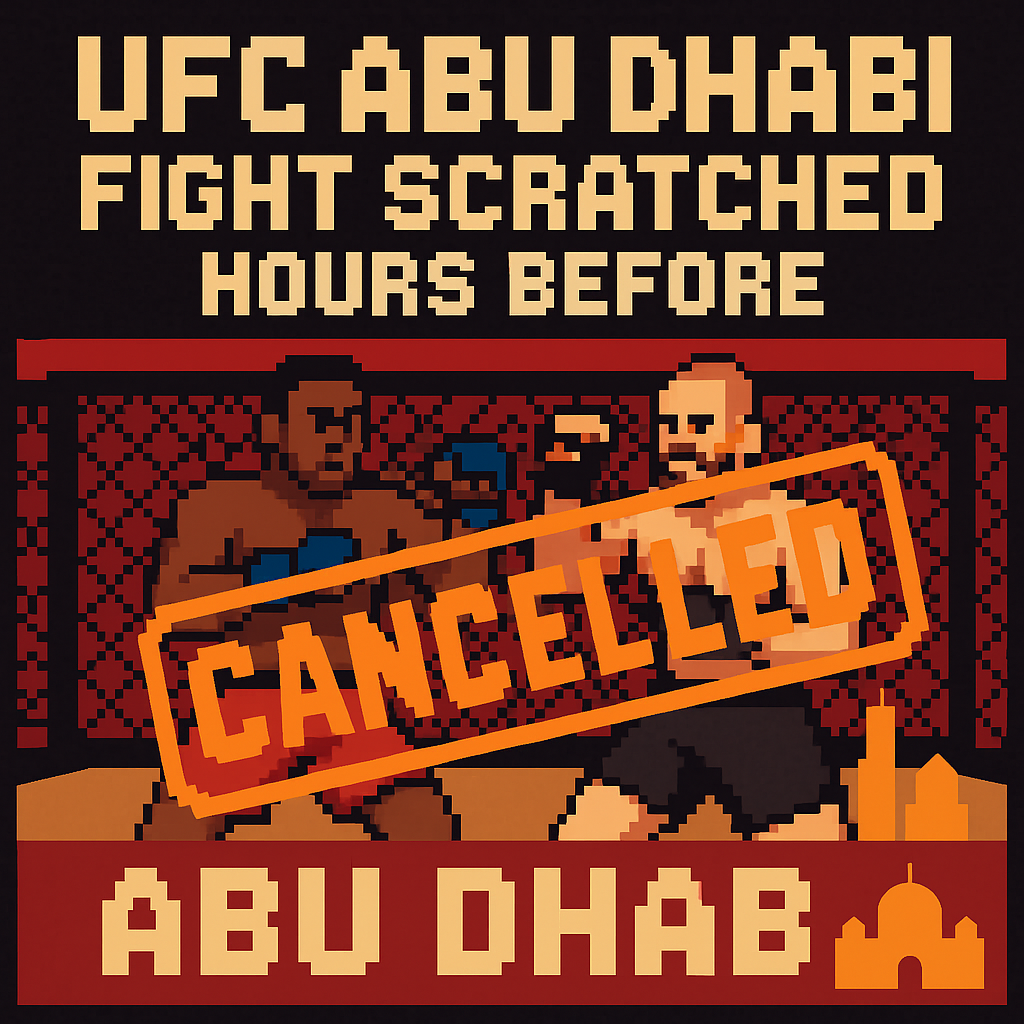
- UFC Abu Dhabi lost a welterweight bout hours before showtime on Saturday, July 25, 2026, after Islam Dulatov was hospitalized with an infection; the Wellington Turman fight was canceled and the card trimmed to 12 fights, with prelims at 9 a.m. ET and the main card at 12 p.m. ET on Paramount+ [1].
- In a Paramount+ rights era, a late scratch shaves engagement minutes, voids betting markets, and slightly lowers the value of a government-backed showcase for Abu Dhabi, rather than nuking PPV revenue; streamers track “time spent” as a KPI across seasons, not one-night buys [2][3][4][5].
- The pattern—desert heat near late July plus long-haul travel—has known mitigations via hydration/monitoring standards pioneered by the California State Athletic Commission in 2017 and by stationing approved alternates on site [6].
What the source said
MMA Fighting reported on July 25, 2026, that Islam Dulatov withdrew from UFC Abu Dhabi due to illness after being hospitalized with an infection, canceling his main-card bout with Wellington Turman and leaving 12 total fights on the event [1]. The broadcast schedule held with prelims at 9 a.m. ET and the main card at 12 p.m. ET on Paramount+ in the United States [1]. Turman, returning after roughly 30 months away following four shoulder surgeries, publicly wished Dulatov a quick recovery and asked to be rebooked in 2026 [1]. As of report time, UFC had not announced whether another bout would be elevated to the main card slate [1].
Why it matters
- Paramount Global uses hours streamed and session length as headline metrics on earnings calls; shaving a single 10–20 minute fight segment reduces inventory for ad impressions and sponsor reads across a 43-event annual UFC slate (13 numbered cards, ~30 non-PPVs in recent seasons) [2][12].
- Abu Dhabi’s Department of Culture and Tourism funds UFC weeks as a soft-power project through a partnership extended to 2028; a fight-day scratch in a late-July window—when Abu Dhabi’s average July max ranges roughly 39.7–43.8°C—chips at perceived reliability for a government showcase [3][10].
Original analysis
Contrarian read: trimming one bout in a noon ET window can concentrate attention on the remaining four main-card fights, but only if stakeholders meet promises on pacing, sponsor deliverables, and fighter pay—otherwise, the cut shows up as lost engagement minutes [2].
Back-of-envelope math: UFC average bout length rose from about 8:06 in 2002 to roughly 10:43 by 2017 per UFC PI data cited by Sports Business Journal [7]. Assume modern non-title fights average 10.7 minutes of cage time; add a conservative 6.0 minutes for walkouts, commercials, desk segments, and buffer. That’s ≈16.7 minutes per scratched fight. Over ~30 Fight Nights in a year, 16.7 × 30 = 501 minutes; 501 ÷ 60 ≈ 8.35 hours of annual platform time evaporated if one bout drops per event—a nontrivial hit to “time spent” [2][12][7].
2×2: Card disruptions and viable responses
- Timing: Weigh-in day vs. Fight day
- Response: Replacement vs. Scratch
| Timing ↓ / Response → | Replacement secured | Scratch (no bout) |
|---|---|---|
| Weigh-in day | UFC 279 reshuffled within ~24 hours after Khamzat Chimaev missed weight; Diaz vs. Ferguson headlined, Holland re-paired at a catchweight—Las Vegas logistics and ESPN-era urgency made it possible (Sept. 10, 2022) [8]. | Khabib–Ferguson at UFC 209 collapsed around weigh-ins in March 2017; no viable plug-in, and the lightweight title picture stalled amid fan blowback [9]. |
| Fight day | Rare, workable only with pre-cleared alternates already licensed on site and broadcast/commission alignment [6]. | July 25, 2026 Abu Dhabi: straight subtraction from a five-fight main card; cleaner pacing, fewer minutes for Paramount+ and partners [1][2]. |
Historical analogue: UFC 279 (2022) proved the promotion can “Houdini” a card on a Friday in Nevada by leaning on a deep bench and flexible regulators; Abu Dhabi operates under international travel, visas, and a noon ET U.S. window backed by a sovereign partner, shifting the cost of chaos from PPV refunds to engagement minutes, sponsor make-goods, and brand optics [8][3].
Named-stakeholder breakdown
- Wellington Turman: After ~30 months and four shoulder surgeries, he risks momentum and a paycheck; UFC has sometimes paid “show money” on late cancellations (e.g., Tyron Woodley received pay after Johny Hendricks withdrew ahead of UFC 192 in 2015), but it’s case-by-case [11][1].
- Paramount+: One fewer fight reduces total hours streamed in a Saturday daytime block; over 13 numbered cards plus ~30 Fight Nights per season, sustained resilience to attrition becomes a rights-era KPI [2][12].
- DCT Abu Dhabi: With the UFC pact through 2028, smooth weigh-ins and medical stability in July’s 39.7–43.8°C band support reliability claims that feed tourism and foreign investment narratives [3][10].
- Bettors and partners: DraftKings voids canceled fight markets per house rules, softening controversy but damping handle; bet365’s official partnership with UFC means consistent bout inventory fuels acquisition and retention promos [4][5].
What others are missing
The angle is the Paramount+ engagement-minutes math. In a PPV model, a day-of collapse threatened seven-figure buy losses; in a 2026 streaming model, the hit lands on two quantifiables that Wall Street and Madison Avenue track—total hours streamed and promised sponsor/ad impressions delivered across 43 events per year [2][12]. The fix is operational, not promotional: pre-cleared alternates flown to Yas Island, CSAC-style hydration checks with 10-point safeguards, and itinerary tweaks that lengthen acclimatization for July arrivals into the Gulf’s 39.7–43.8°C window to reduce fight-week hospitalizations [6][10][3].
What to watch next
- By October 31, 2026, Wellington Turman appears on a U.S. card or is rebooked versus Islam Dulatov in any market; a public bout agreement or weigh-in confirms the booking [1].
- In Q3 2026 earnings materials (released by November 2026), Paramount Global cites UFC as a contributor to “time spent”; any mention of below-plan average watch-time for the July 25, 2026 Abu Dhabi event flags sensitivity to bout attrition [2].
- By July 31, 2027, at least one international UFC event publicly implements a formal hydration/rehydration check inspired by CSAC’s 2017 framework, documented by a commission or UFC operations note [6].
My take
A same-day scratch in Abu Dhabi on July 25, 2026 didn’t crater the show—Paramount+ still hit a noon ET main card and Yas Island looked turnkey—but the lost ~16–20 minutes per cancellation add up in a rights cycle that values hours streamed [1][2]. TKO, Paramount Global, and DCT Abu Dhabi have aligned incentives to harden the process in heat-prone months. Fly licensed alternates, adopt CSAC-style hydration checkpoints, and extend arrival windows so athletes adapt to 39.7–43.8°C conditions without flirting with IVs or ER trips [6][10]. Do that, and a scratch becomes a rounding error instead of a Saturday storyline.
Sources
-
MMA Fighting — July 25, 2026 report on UFC Abu Dhabi bout cancellation (Dulatov hospitalized; Turman fight off; card at 12 total bouts; 9 a.m. ET prelims, 12 p.m. ET main card). What this contributes: primary event facts and timing.
-
Paramount Global — Earnings call transcripts (2023–2024) discussing “time spent”/hours streamed as a core KPI for Paramount+. What this contributes: the engagement metric that makes bout minutes economically salient.
-
UFC — Press release (Oct 2023) extending the partnership with Abu Dhabi’s Department of Culture and Tourism through 2028. What this contributes: the government-backed framework and timeframe for Yas Island events.
-
DraftKings Sportsbook — House Rules for MMA/Combat Sports on cancellations and voids. What this contributes: how betting markets treat late scratches.
-
UFC — Press release (2023) naming bet365 an Official Betting Partner in select regions. What this contributes: which betting stakeholders rely on consistent bout inventory.
-
California State Athletic Commission (CSAC) — 2017 10-Point Plan on weight cutting and dehydration (official policy). What this contributes: a concrete regulatory model for hydration and monitoring.
-
Sports Business Journal — Feature citing UFC PI data on rising average bout length (e.g., ~8:06 in 2002 vs. ~10:43 in 2017). What this contributes: baseline math for “minutes lost” per scratch.
-
ESPN — Sept. 10, 2022 coverage of UFC 279’s last-minute reshuffle after Khamzat Chimaev missed weight. What this contributes: historical analogue for weigh-in day chaos and rescue logistics.
-
BBC Sport — March 2017 reporting on Khabib–Ferguson collapse around UFC 209 weigh-ins. What this contributes: weigh-in day failure case without a plug-in replacement.
-
UAE National Center of Meteorology — Abu Dhabi July climate normals showing average max temperatures in the ~39.7–43.8°C range. What this contributes: environmental risk context for late-July events.
-
MMA Fighting — Oct. 2015 coverage confirming Tyron Woodley received show money after Johny Hendricks withdrew from UFC 192. What this contributes: precedent on fighter compensation in late cancellations.
-
Wikipedia — “2023 in UFC” showing 43 events (13 PPVs and ~30 non-PPVs). What this contributes: recent-season event counts for annualized engagement math.
Related update: We recently published an article that expands on this topic: read the latest post.
Related update: We recently published an article that expands on this topic: read the latest post.
Related update: We recently published an article that expands on this topic: read the latest post.
Related update: We recently published an article that expands on this topic: read the latest post.

