TL;DR
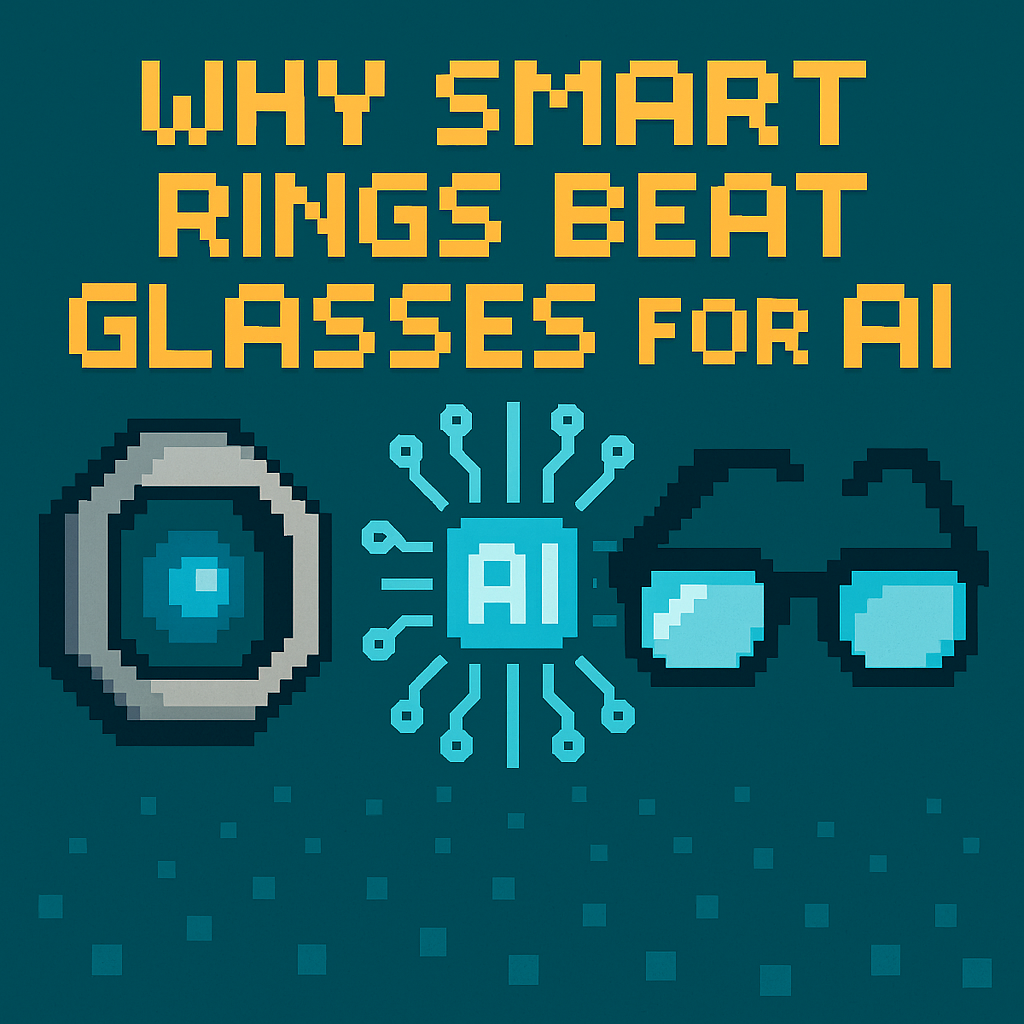
- The Verge’s David Pierce (July 28, 2026) argues a whisper-ready smart ring is the most practical AI gadget right now; I agree—and I’ll show why rings beat glasses on input speed and social acceptability in public spaces like the NYC subway and London buses [1].
- The near-term moat isn’t microphones; it’s OS-grade “universal dictation” and Bluetooth LE Audio Microphone Control (MICP/MICS) that let accessories inject text anywhere as if they were native keyboards, across iOS and Android in 2026–2027 [2][4].
- Health-ring incumbents (Ōura, Ultrahuman) have scale but no voice capture in 2024; upstarts (Sandbar, Core Devices/Pebble) are shipping purpose-built voice rings, and preorder anecdotes plus demo units suggest real demand in H2 2026 [1][3][5].
What the source said
David Pierce at The Verge (published July 28, 2026) says smart rings, not glasses, are the best near-term AI gadget because a finger mic makes dictation fast and discreet in crowded places like cafés and trains [1]. His piece centers on Sandbar’s Stream ring, which routes speech-to-text into any app on iOS and macOS, and contrasts it with Core Devices/Pebble’s Index 01, which records short press-to-speak notes on-wrist [1][2][3]. Pierce name-checks entrants like Vocci and argues phones are clumsy for capture, while rings reduce activation time by moving the mic within centimeters of your mouth [1]. He frames the category as “keep the phone in your pocket, capture more thoughts per day,” a claim supported by hands-on demos in July 2026 [1].
Why it matters
- There’s a fight over the next default input for AI: glasses push camera-first; rings push mic-first, with Apple, Google, Microsoft, and Meta all controlling text boxes and permissions in 2026 [1]. If “press-to-dictate from your finger” becomes as universal as Command‑V, the winners will ship OS-level dictation routing and make Bluetooth LE Audio mics behave like native keyboards across iOS/macOS and Android/Windows [2][4].
- Incumbents already seeded millions of fingers with health rings; Ōura reported 2.5 million rings sold as of June 14, 2024, proving daily wear at scale in the U.S., EU, and Japan [5]. Once text capture sticks, that installed base becomes a ready audience for voice-enabled SKUs, accessories, or firmware paths from 2025–2027 [5].
- Privacy law pressure matters: Illinois’s Biometric Information Privacy Act (BIPA, 2008) makes indiscriminate ambient voice capture risky; a close-talk ring that records only when pressed narrows exposure compared to room mics in offices in Chicago or Springfield [6].
Original analysis
Contrarian read for 2026–2027: smart rings will own high-frequency, short-form input (ideas, reminders, captions) over the next 18–24 months because they minimize two frictions that phones and glasses share—activation time and social cost in libraries, meetings, and transit [1].
2x2: Where smart rings beat
- Axes: speed to capture (slow → fast) vs social friction in public (high → low)
| Low social friction | High social friction | |
|---|---|---|
| Slow capture | Phone typing | Meeting recorder pucks |
| Fast capture | Smart rings (press, whisper, send) | Smart glasses voice commands |
The finger-to-mouth gesture is short and private; Pebble says Index 01 is tuned for close-talking at roughly 5–20 cm, signaling personal notes rather than room capture, which reduces bystander concerns under BIPA-like regimes in Illinois (2008) and similar EU norms [3][6].
Back-of-envelope: the “micro‑memo” economy
- Baseline: Ōura reported 2.5 million rings sold by June 2024 [5]. Assume 10% of that audience (250,000 people) buys a voice‑first ring as a second device by December 2027.
- Usage proxy: Pebble reports testers average about 1 minute of recordings per day [3]. Calculation: 250,000 users × 1 minute/day = 250,000 minutes/day. Annualized: 250,000 × 365 = 91,250,000 minutes/year. If a typical note is 15 words, that’s 91,250,000 × 15 = 1,368,750,000 words/year ≈ 1.37 billion words/year [3][5].
- Revenue sketch: With an average selling price (ASP) of $99, device revenue = 250,000 × $99 = $24,750,000, excluding software [back-of-envelope]. If even 25% of users buy a $5/month AI service, MRR = 62,500 × $5 = $312,500; annualized ARR ≈ $3.75 million.
Plumbing, not placement, is the moat
- Sandbar’s “Universal Dictation” target implies more than a mic; you need low-power uplink via Bluetooth LE Audio and a way to inject text as if from the OS keyboard or IME without bouncing through a single app, across iOS/macOS and Android/Windows in 2026–2027 [2][4].
- Bluetooth LE Audio includes Microphone Control Profile/Service (MICP/MICS), which lets accessory microphones behave like first‑class citizens with lower latency and better battery characteristics during multi-device switching; this is the substrate rings need to feel native on press-whisper-release workflows [4].
Historical analogue (2007): iPhone OS 1.0 shipped without copy/paste, and third‑party workarounds felt brittle until Apple added system primitives in 2009; rings will feel “toy-like” until OSes add universal dictation APIs that treat them like keyboards, not peripherals [historical context].
Named-stakeholder breakdown
- Sandbar (Stream): Must lock in universal dictation paths on iOS/macOS and Android/Windows, ship multipoint that survives handoffs between a MacBook and iPhone, and prove sub‑200 ms press‑to‑capture latency in 2026 demos [2][4].
- Core Devices/Pebble (Index 01): Needs crystal-clear messaging on “close-talk only,” a robust press-to-record UX, and an on-device buffer for subway tunnels and flights; shipping updates through 2026 should show battery life in hours and days, not vague ranges [3].
- Ōura and Ultrahuman: With >2.5 million combined units in market by mid‑2024, either can add a voice-capable SKU or a snap-on mic module by 2027 to defend share and ARPU [5].
- Apple, Google, Microsoft: Control the OS text stack—keyboards, IMEs, accessibility APIs—and can grant or restrict background dictation; expect private “Made for iPhone” or Android partner tracks to become kingmakers in 2026–2027 [4].
- Meta and Snap: If glasses win later, they still benefit from ring remotes; a $99 ring that triggers Meta Ray‑Ban dictation without raising your voice on a San Francisco bus would expand daily use cases in 2026–2027 [1].
What others are missing
Most coverage focuses on mic quality and battery life, but the gating factor is OS permissioning for “keyboard-equivalent” text injection via IME/HID paths; without first-party hooks on iOS/macOS and Android/Windows, rings remain glorified voice memo apps that can’t fill text fields in Slack, Gmail, or Notion at work [2][4]. A second blind spot: privacy liability under BIPA (2008) and EU ePrivacy rules is lower for close-talk, press-to-speak devices than for always-listening glasses, which shapes enterprise adoption in places like Illinois and Germany in 2026–2027 [6]. Finally, reviewers rarely quantify press-to-text latency under everyday interference (coffee grinders, wind at 10–15 mph, subway screech); the winner will publish reproducible sub‑200 ms end-to-end figures with MICP/MICS while roaming between phone and laptop [4].
What to watch next
By March 31, 2027, at least one major OS vendor (Apple, Google, Microsoft) will ship a documented API that allows third‑party accessories to inject systemwide dictation as a trusted input method (IME/keyboard-equivalent), verifiable in public developer docs [4].
By December 31, 2027, cumulative shipments of voice‑first smart rings (Sandbar, Core Devices/Pebble, or similar) will exceed 300,000 units, evidenced by public company disclosures or third‑party import/sales trackers, not just anecdotal reviews [1][3][5].
By June 30, 2027, Bluetooth SIG materials or firmware releases will reference at least one ring product using MICP/MICS for prioritized mic routing with measured end‑to‑end dictation latency under 250 ms in a public demo or white paper [4].
Sources
[1] The Verge (David Pierce, July 28, 2026) — Hands-on report arguing rings beat glasses for near-term AI input; provides concrete product examples and public demo context.
[2] Sandbar product materials (2026) — “Universal Dictation” positioning and claims about cross‑device speech‑to‑text across iOS and macOS; indicates OS-level ambitions.
[3] Core Devices/Pebble blog (Index 01, 2026) — Press-to-record, close-talk tuning, and tester usage (~1 minute/day) inform the short-form capture model.
[4] Bluetooth SIG documentation on LE Audio MICP/MICS (2020–2024) — Specifies microphone control and service profiles that enable native-like accessory mic behavior and lower-latency switching.
[5] Business Wire (Ōura press release, June 14, 2024) — Confirms 2.5 million rings sold, establishing form-factor adoption and a plausible upgrade base.
[6] Illinois General Assembly, Biometric Information Privacy Act (740 ILCS 14/2008) — Framework for voice and biometric privacy risk; supports the close-talk, press-to-speak compliance thesis.